AI tools
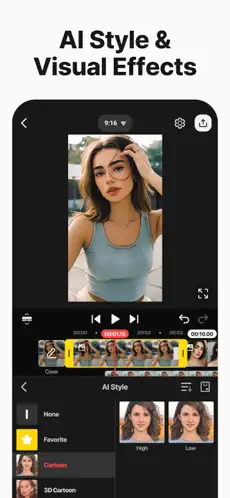
Auto captions, text-to-speech, background removal and smart editing helpers.
KineMaster for creators in 2026
Cut, layer, animate, caption and export social videos with powerful mobile editing tools built for creators.
Creator toolkit
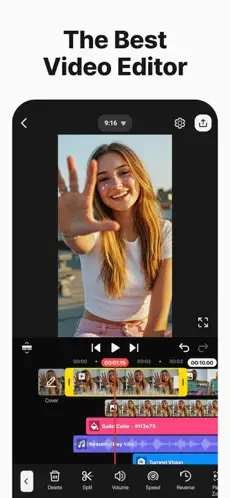
KineMaster turns a phone into a compact editing studio with AI helpers, precise timeline control, effects, audio, templates and exports ready for social platforms.
Auto captions, text-to-speech, background removal and smart editing helpers.
Layer video, audio, stickers, text and effects with precise timeline control.
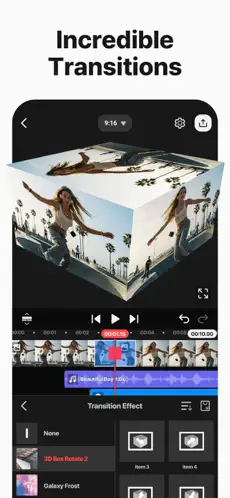
Create dynamic scene changes, 3D transitions and social-ready motion.
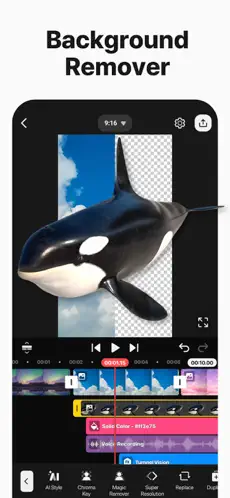
Remove green screen backgrounds and blend footage creatively.
Use templates, stickers, fonts, effects, music and stock media.
Export videos for Shorts, Reels, TikTok and YouTube in high resolution.
App preview
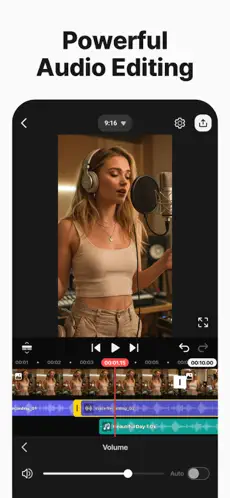
Preview the mobile editing flow across timeline control, transitions, captions, assets and export settings.

Why creators use it
Workflow
Choose a template or start from scratch.
Cut clips, add layers, music, captions and effects.
Use transitions, keyframes and AI tools.
Save for social platforms in the right format.
Templates and assets
Start with templates, music, stickers, effects, stock media and fonts that feel ready for creator workflows.
Download
Download KineMaster and create polished videos with timeline editing, effects, captions and templates.
Download on the App Store